

OwnUp
A private step 10 journal. Your own questions, every evening, on your device.
OwnUp is a daily step 10 journal that lives on your own device.
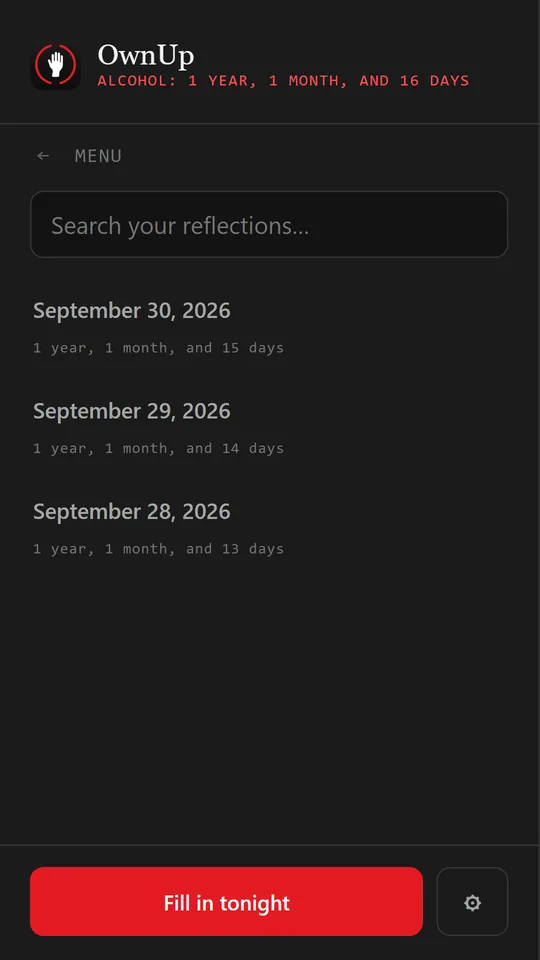
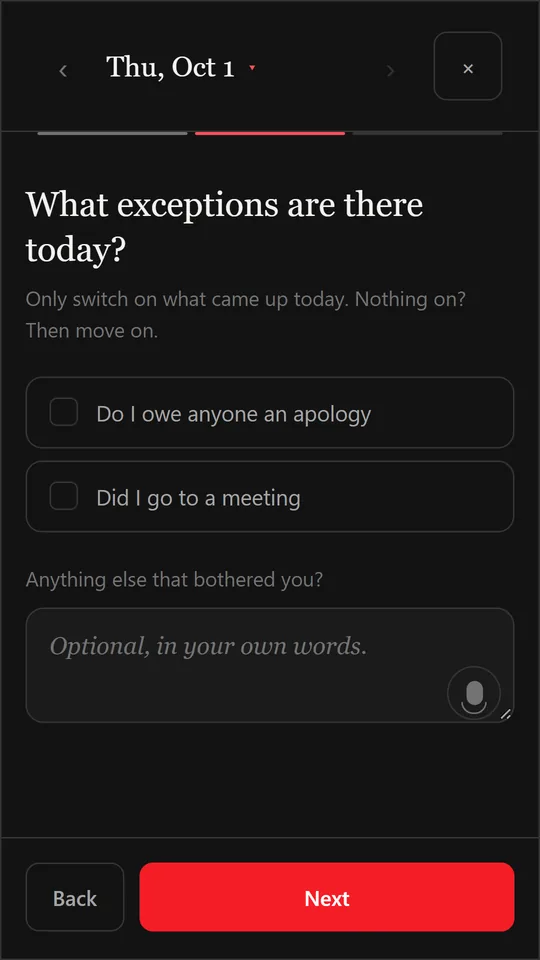
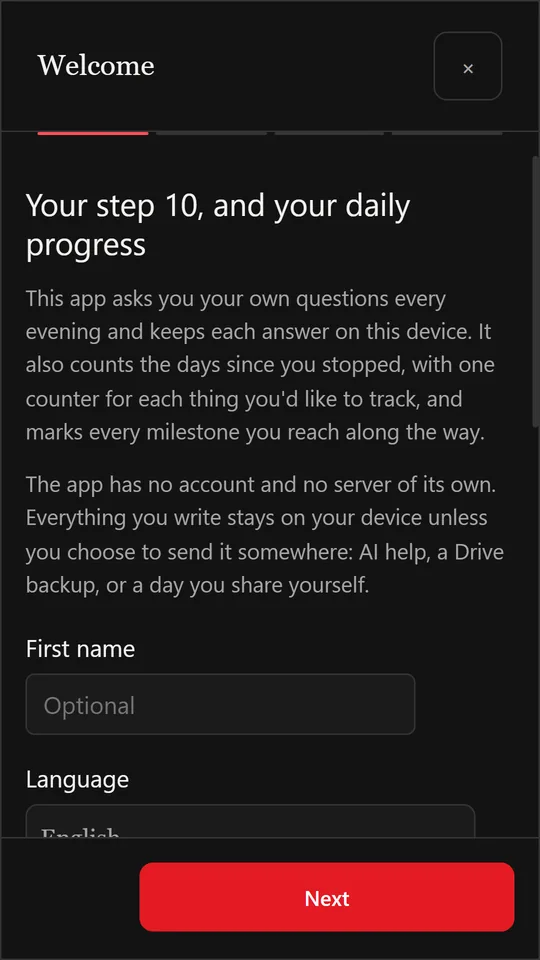
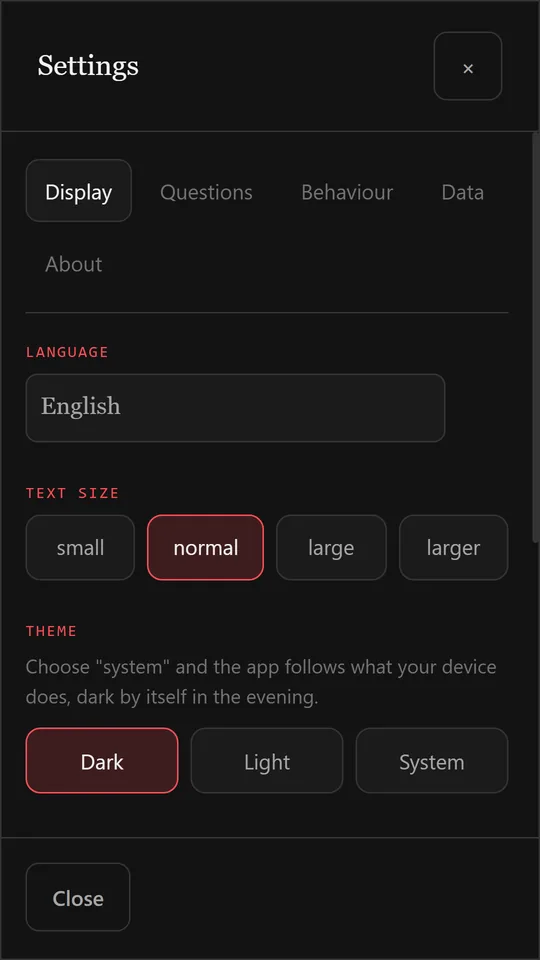
Every evening it asks you your own questions. They can come from the literature of your programme, or you write them yourself. If you already have them somewhere, in a booklet or a note on your phone, paste them in, one per line. A question can be answered in your own words, picked from choices, or scored, and some can be asked only on certain days. The list is yours to change whenever you like, and your earlier reflections keep the questions they were written under.
Short on words at the end of a long day? AI help is optional and off until you turn it on. Tell your day in your own words, and OwnUp drafts your answers from it. You read them over and change what you want before anything is saved.
OwnUp also counts the days since a date you choose, with one counter for each thing you want to track, and marks every milestone on the day you reach it. Your days are in a list you can search, and a meter shows the days you wrote and how many in a row.
Your days stay on your device. OwnUp has no account to make, no server of its own, no ads and no analytics. The only permission it asks of Android is internet access, for the two optional things below, and Android's own backup is turned off for the app, so your diary only leaves your phone the way you decide.
Make a backup file whenever you like and keep it where you choose. The file is not locked: anyone who has it can read everything in it, so keep it where only you can get to it. Or turn on Drive backup. OwnUp then keeps an encrypted copy in a folder called OwnUp in your own Google Drive, and Google only sees scrambled files. They open with the recovery code you write down when you turn it on. OwnUp does not keep that code, so nobody can read your backup without it: not the developer, and not Google. OwnUp asks Google for access to the files it creates itself and nothing else. A new phone reads the same copy with your code.
When AI help is on, the text of the day you are working on goes to Google Gemini with your own key from Google AI Studio, or to an address you enter yourself, such as a model running on your own network. Your key stays on your device, and goes into your encrypted Drive backup only if you turn that on; the backup file never holds it. When AI help is off, nothing is sent to an AI.
OwnUp is available in Arabic, Bengali, Chinese, Dutch, English, French, Hindi, Indonesian, Portuguese, Russian and Spanish, and reads right to left in Arabic.